01
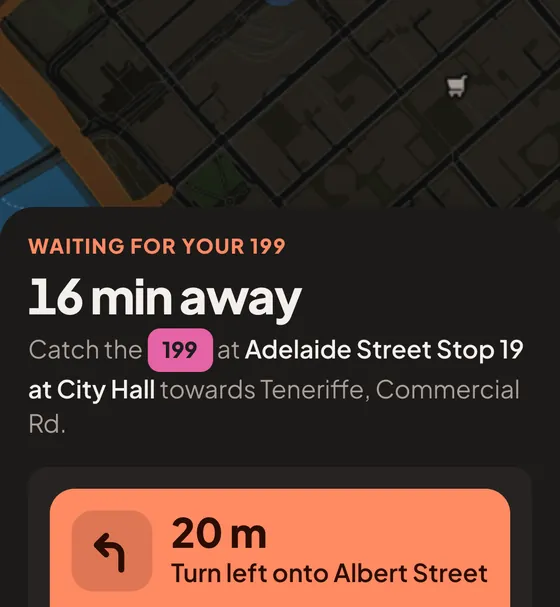
A countdown you can trust
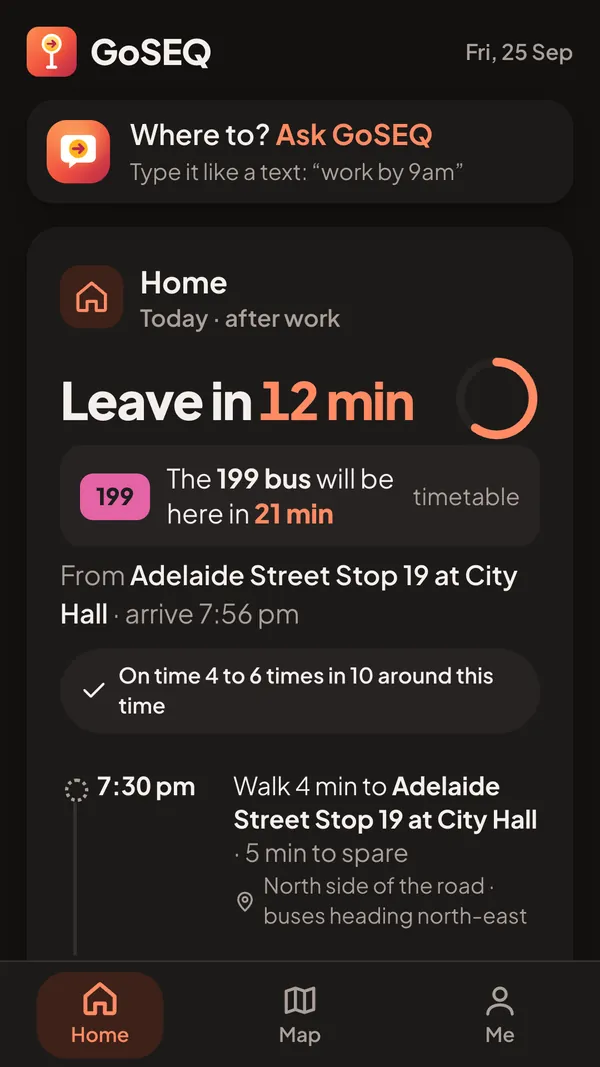
“Leave in 12 min” on the home screen, then a live countdown on the way, down to the second when it’s close. It walks you to the right stop, too.
 GoSEQ
Free
GoSEQ
Free
Live bus times for South East Queensland
GoSEQ tells you exactly when to leave, then counts you down to the bus. Free on iPhone, Android and the web.
Four taps in Safari. No App Store, no download.
Or just open it in Safari nowIn Instagram, tap ••• (top right), then Open in external browser.
In TikTok, tap ••• (top right), then Open in browser.
Tap ••• (top right), then Open in Safari.
Tap ••• (top right), then Open in Safari.
Only Safari can put GoSEQ on your home screen. Tap Copy link, open Safari and paste it into the address bar.
Or type goseq.app/get into Safari.
Free, through Google Play testing. Takes about a minute.
Or use it in your browser now
It opens goseq.app/get with the right steps for iPhone or Android.
On iPhone
The App Store app isn’t out yet. From Safari it takes four taps, and then it opens full screen like any other app.
The square with an arrow, at the bottom of Safari. If you can’t see it, tap ••• first.
You may need to scroll down the list a little.
Top right. Keep the name GoSEQ, or call it whatever you like.
Always from the icon, not from Safari. The first time, sign in once more with your email.
What it does
“Leave in 12 min” on the home screen, then a live countdown on the way, down to the second when it’s close. It walks you to the right stop, too.
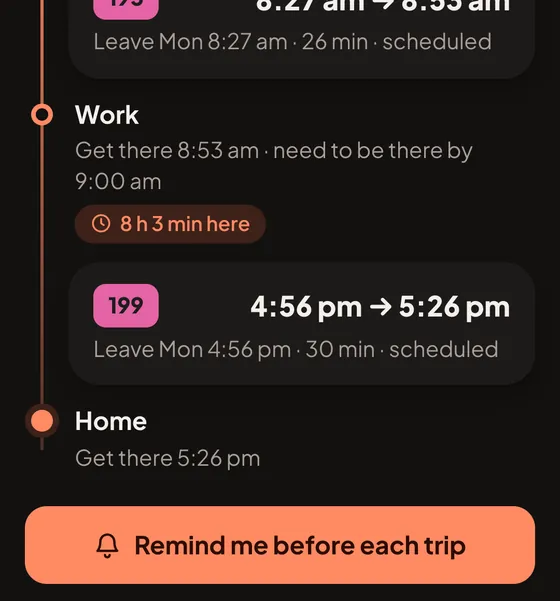
Leave-time alerts at 15, 10, 5, 3, 2 and 1 minutes before you need to walk out the door. Pick the ones you want.
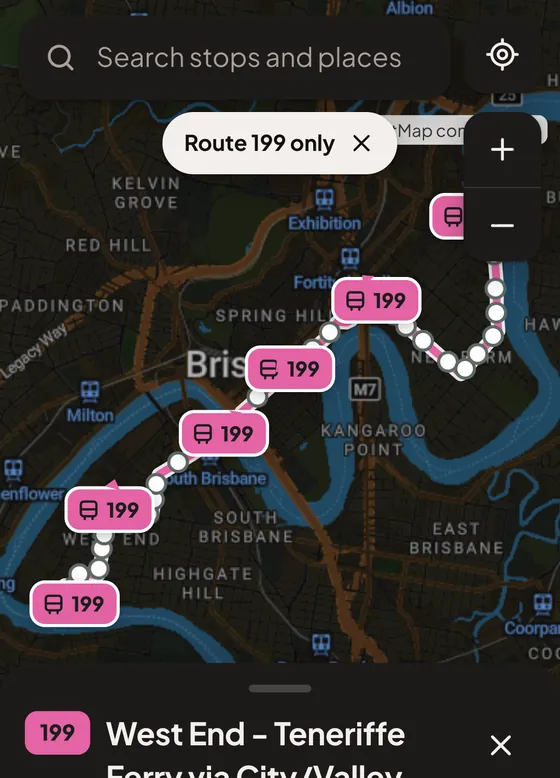
Live bus positions along your route, so you know it’s really coming, not just what the timetable hopes.
Real app screens with demo trips.
Live times, the planner, the map and leave-time alerts are free. Pro adds optional extras.
Built by a student in Brisbane, for the buses here.
Uses TransLink’s open data, but GoSEQ isn’t made or endorsed by TransLink.
The web version is the same planner, map and timetable as the app. What it can’t do yet: track your trip in the background or show a live trip on your lock screen. Those need the full app. The App Store app comes later, and the Google Play app is in testing now.